Practice guide
Crowdict Unlimited
Choose 10 or 20 questions to send a friend a challenge, or choose ∞ to keep playing. Pick your topic and scoring mode in the free browser game below.
What would everyone else say?
Guess the crowd’s first thought, or score with a rare answer. Play 10, 20, or endless questions. Play free here in your browser, with no download or account.
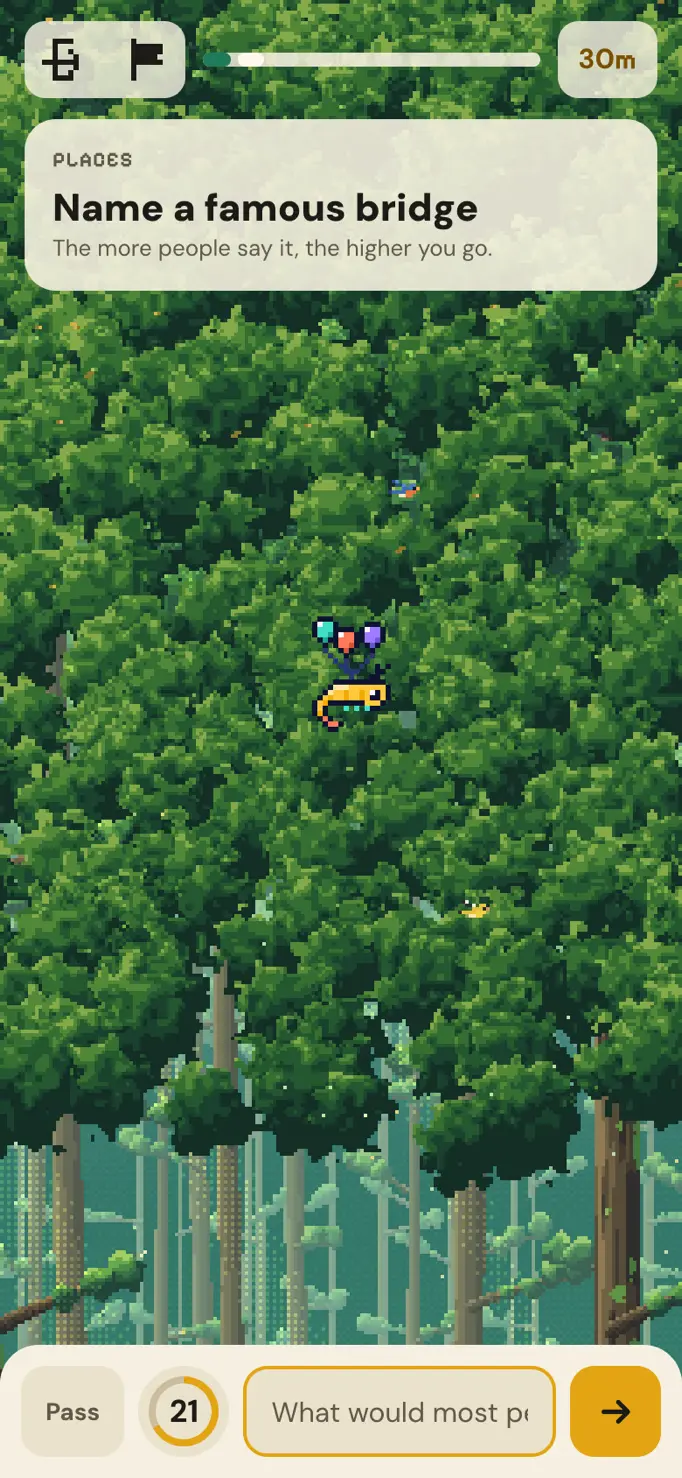
Loading Crowdict Unlimited…
Which run should I start?
Pick 10 if you want to see a full scoring cycle in one sitting. You get two opening questions at the lowest multiplier and two final questions at the highest. Ten is also the shortest run that gives you a challenge link when you finish. If you have a friend waiting for something to play on the bus, this is the length to send.
Pick 20 if you want another set of questions before comparing scores. You keep the points from the first ten. Question 11 starts a second scoring cycle, so it feels a little like opening a new round with a score already on the board. Twenty is the longest run you can finish and share as a challenge.
Choose ∞ if your goal is to explore the question bank. You can keep playing after the tenth and twentieth prompts. When you have had enough, use the game’s close control (✕) to finish and see the results you earned along the way. Choose a fixed length instead if you want a friend to replay your sequence afterward.
Pick one topic or play a mixed run
The topic selector changes which questions can be drawn. All topics draws across the categories, so you might go from a music question to a geography question in the same sitting. A single topic keeps the whole run on one subject. For a group that disagrees over who knows the most about films, choose Film & TV and settle on the length and scoring mode before you begin.
The other choices are Music, Food & Drink, Sports, Geography & Travel, Science & Nature, Books & History, and Games & Life. If you are trying Rare for the first time, pick a subject where you can think of several answers for the same prompt. You can change the scenery separately. Switching from Sky Climb to Tabletop changes what surrounds the board while keeping the questions and scoring rules the same.
Why the first ten feel different
A fresh run uses a seed to shuffle its question pool. The game then arranges the opening ten from easier to harder. Here, difficulty has a particular meaning. A prompt with one answer that many people would give is easier to read. A prompt with several equally tempting answers is harder, even when it deals with a familiar subject.
After question ten the prompts follow the shuffled order. In Endless, the game works through the available pool before reshuffling it. Starting a fresh run starts a new draw, so you can meet something you answered yesterday. The Daily uses the same underlying question bank. Seeing a familiar prompt in practice is possible, but a fresh run gives you no preview of the next Daily lineup.
Keep track of the multiplier at question 11
There are two decisions behind a score. The game assigns a base value to your answer, then multiplies that value by the weight of the question. Crowd rewards answers toward the popular end of the prepared answer board. Rare rewards less common answers that still fit the prompt. Popularity is estimated for each question in advance, so your score does not depend on how many people are online with you.
Questions 1 and 2 pay ×1, questions 3 through 5 pay ×2, questions 6 through 8 pay ×3, and questions 9 and 10 pay ×4. Imagine earning 75 base points on question 10 of a twenty-question run. That adds 300 points. An equally good 75-point answer on question 11 adds 75. Your earlier 300 points stay in your total. Question 20 pays ×4 again, and in Endless question 21 starts the next cycle at ×1.
Send a friend the same questions
Finish a ten- or twenty-question run, open its results and copy the challenge link from inside the game. Your friend can open it later and draw the same prompts in the same order. The link keeps the run’s seed, which is what makes that comparison possible. If you each press Play separately and both choose Music and 10, you can still get different sets.
Your friend gets to answer before seeing which answer you gave. Players who use that challenge link can compare results on its shared board. Use the Share game button beneath this player when you want to send someone this webpage. To settle a friendly rematch on the exact set you just played, send the link from the result screen.
How much time should I set aside?
Each question gives you up to 30 seconds to type. Using the whole clock on every prompt adds up to five minutes of answering for a ten-question run or ten minutes for twenty. Allow extra time to read the reveals. If an answer is rejected while time remains, you can try again. Your first accepted answer closes that question, so a fast guess can leave plenty of time to look at the board afterward.
On a phone, open the player in your browser, choose your settings and tap Play inside the game. You can submit with the arrow or the keyboard’s Go key. If a topic button feels too small, tap Full-size game under the board and move Pan game sideways until the control you want is in view.
What carries over when I leave?
Closing the tab or refreshing ends the current Unlimited run. The browser can remember the last length and topic you chose, but those two settings cannot restore the question you left on. If you have finished a run you want to compare with someone, copy its challenge link before you close the page.
Practice and Daily streaks are tracked separately. Finishing twenty practice questions does not extend a Daily streak, and ending an Endless run early does not break one. If you came to keep your streak going, use Today’s daily in the player and finish the shared daily set. You can come back to Unlimited for another topic afterward.
Be the first to share a thought about Crowdict.